
28 Oct 2026
No earthworks project finishes exactly as it was drawn at tender. A drainage fall is adjusted after the engineer reviews the levels. An existing utility turns up where the plans did not show one. Ground conditions differ from the geotechnical report and part of the subgrade needs to come out. A finished level is raised to tie into a neighboring structure. Design changes during construction are a normal part of civil work, and most of them are approved quickly.
The delay usually comes afterwards, in the time it takes for an approved change to reach the people moving the dirt. On a site run on stakes and printed plans, that gap can be a day or more. With a digital machine control workflow, it can be a file update.
On a conventional site, every approved change starts a chain of manual steps. The design is revised in the office and new drawings are issued. A survey crew goes back out to pull the old stakes and set new ones, often in an area where machines are already working. Grade checkers relearn which marks are current. Meanwhile, operators either wait or keep working to the reference in front of them, which may now be out of date.
Both outcomes cost money. Waiting means machines and crews standing idle. Carrying on means the risk of cutting or filling to a superseded level, then coming back later to fix it. Neither is caused by the change itself. It is caused by the lag between the decision and the cab.
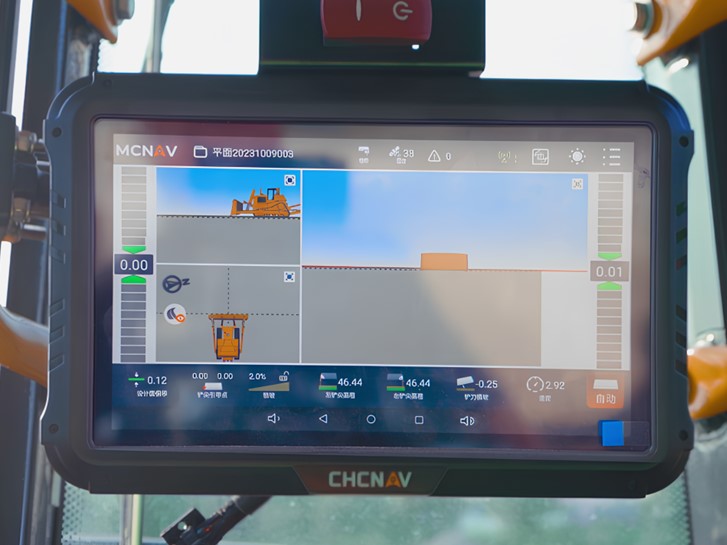
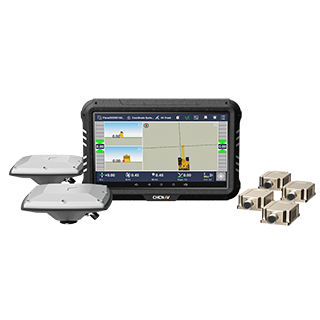
With 3D machine control, the operator does not work to physical marks. The machine knows its own position through GNSS and IMU sensors and compares the bucket or blade against a digital design surface loaded on the in-cab display. When that surface changes, the guidance changes with it. If you are new to the idea, our article on 2D versus 3D grade control explains why a model-based reference behaves differently from a fixed one.
That makes the update an office task rather than a field task. A typical sequence looks like this:
1. The revision is approved.
The engineer or project manager signs off the change, so there is one clear decision to act on.
2. The design surface is updated.
The surveyor or design technician revises the surface and linework in the office software and exports it in a format the machines read, such as DXF or LandXML.
3. The file goes out to the machines.
The updated design is sent from the office to the field over a cellular or cloud connection, or by hand where coverage is limited.
4. The operator loads the current design.
The cab display shows the new surface, and the operator confirms it is the right version before digging or grading resumes.
5. The work is checked against the new design.
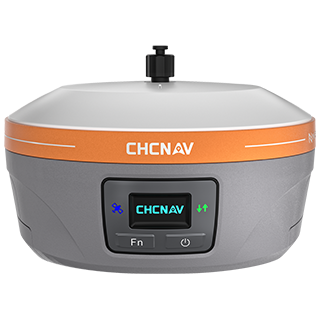
Spot checks with a GNSS rover confirm that what was built matches what was approved.
Nobody has to walk the site re-staking, and the machine does not have to stop for longer than it takes to load and confirm a file.
Getting a new file to the machine quickly only helps if everyone is working to the same file. The real risk on a changing site is two versions in use at once: one excavator on the revised drainage design, a dozer next to it still on the original. A few simple habits prevent most of that:
Digital workflows make these habits easier to keep, because the file itself is the reference. There is no question about whether a stake was moved or knocked over.
The workflow above applies across the fleet, but each machine type uses the updated design in its own way.
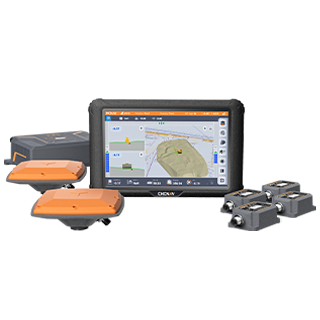
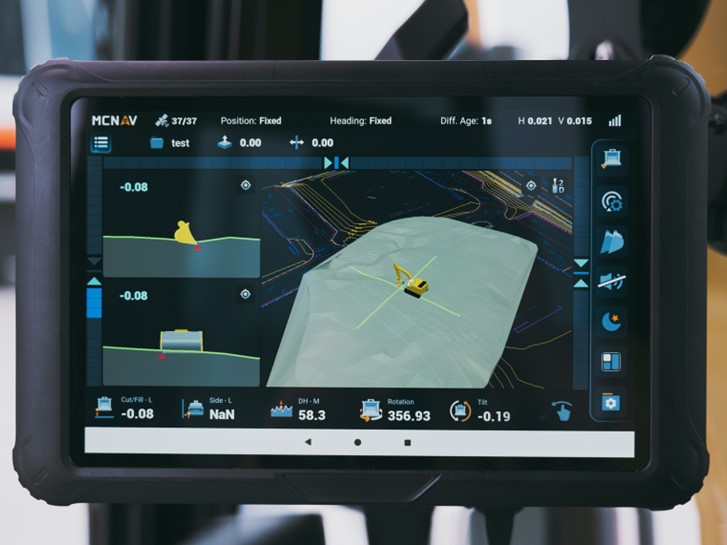
Excavators. Excavators are often first to meet a change, especially around trenches, utilities and foundations. Our TX73 excavator system gives the operator real time bucket tip position against the design model, with a 3D view built on a CAD engine for project files and drawings. As-built drawings can be shown in the cab, which helps operators anticipate underground utilities when the design moves near them. The MCSite cloud platform supports data synchronization and remote troubleshooting, and over-the-air updates keep the system software current.
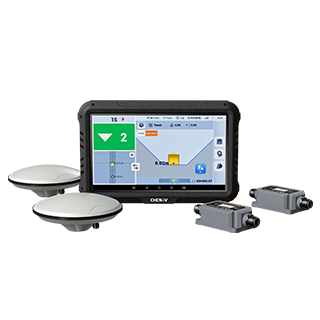
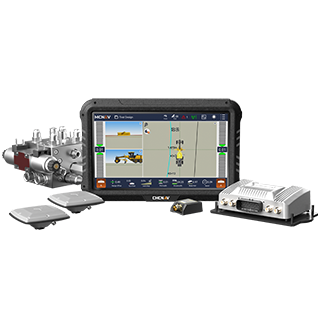
Graders. Finished grade is where a late change in levels or crossfall shows up most clearly. The TG63 grader control system supports various design file formats and radio protocols, and it can integrate with cloud based management systems for file transfers from the office to the job site. Its automatic blade control then works to whichever surface is loaded, so the revised grade is followed pass by pass. For more on how the blade follows the model, see how GPS grade control works.
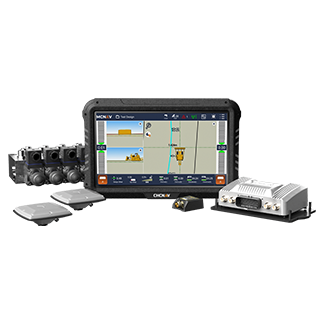
Dozers. When a change affects bulk earthwork, such as an embankment height or a platform level, the dozer needs the new surface before it moves much material. The TD63 Pro supports Rodx, DXF and LandXML design formats along with common coordinate calibration files, and its automatic blade control adjusts to the loaded design surface in real time.
All three systems include 4G LTE, Wi-Fi and Bluetooth connectivity, which is what allows a revised design to travel from the office to the machine without a site visit.
Change management works best when it is set up before it is needed. A short review with the site team can cover:
Contractors who can answer these clearly tend to absorb changes with very little lost time, whichever system they run. To see how the pieces fit together across excavators, graders and dozers, visit our machine control solutions.
When the plan changes, the machine shouldn't have to wait for the workflow to catch up.
CHC Navigation (CHCNAV) develops advanced mapping, navigation, and positioning solutions designed to increase productivity and efficiency. Serving industries such as geospatial, agriculture, machine control and autonomy, CHCNAV delivers innovative technologies that empower professionals and drive industry advancement. With a global presence spanning over 140 countries and a team of more than 2,200 professionals, CHC Navigation is recognized as a leader in the geospatial industry and beyond. For more information about CHC Navigation [300627.SZ], please visit: https://machine-control.chcnav.com/about/overview.
Planning how your machines handle design changes?